$0
/month
Free forever
Free
Know what's left, every day. No strings attached.
What's included:
- The number, always visible
- Manual income & expense entry
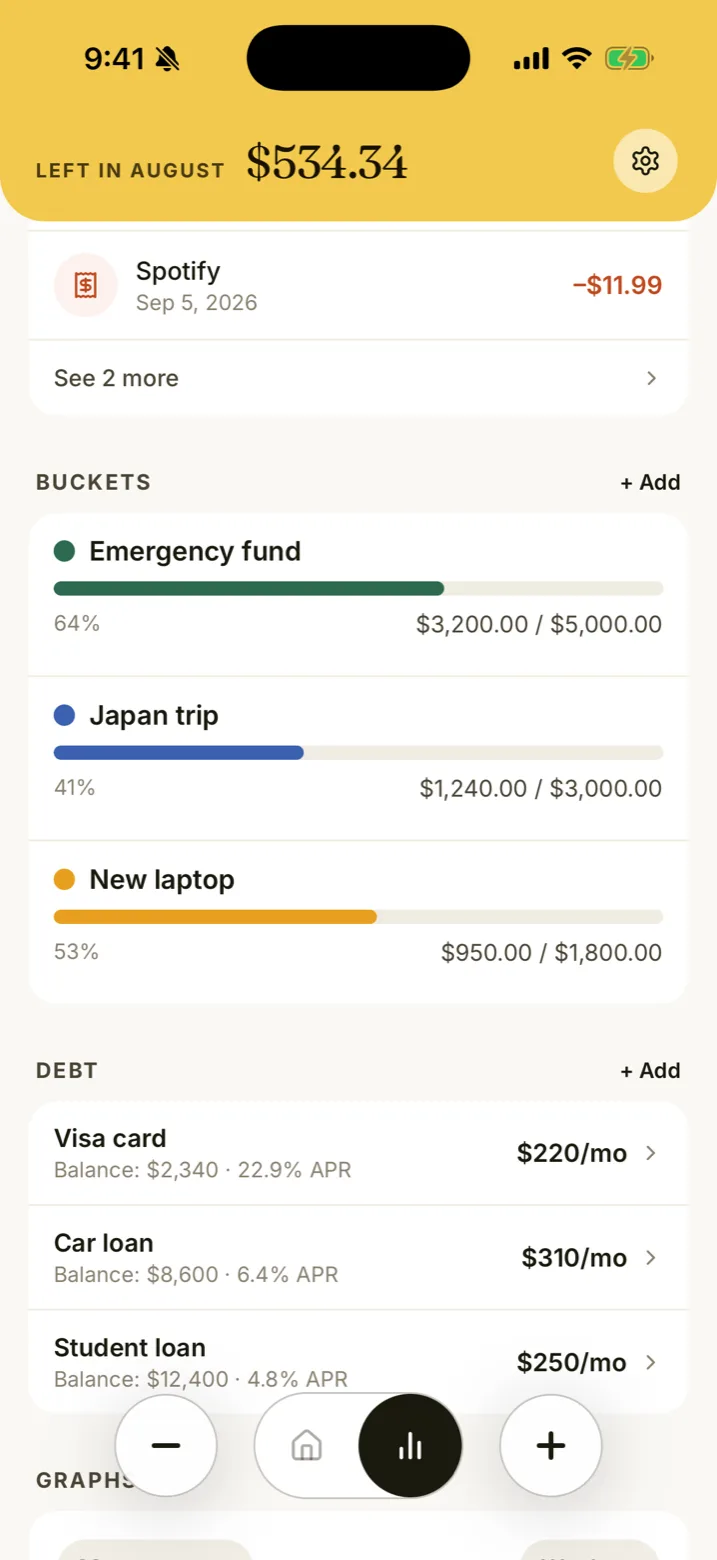
- Category breakdown & charts
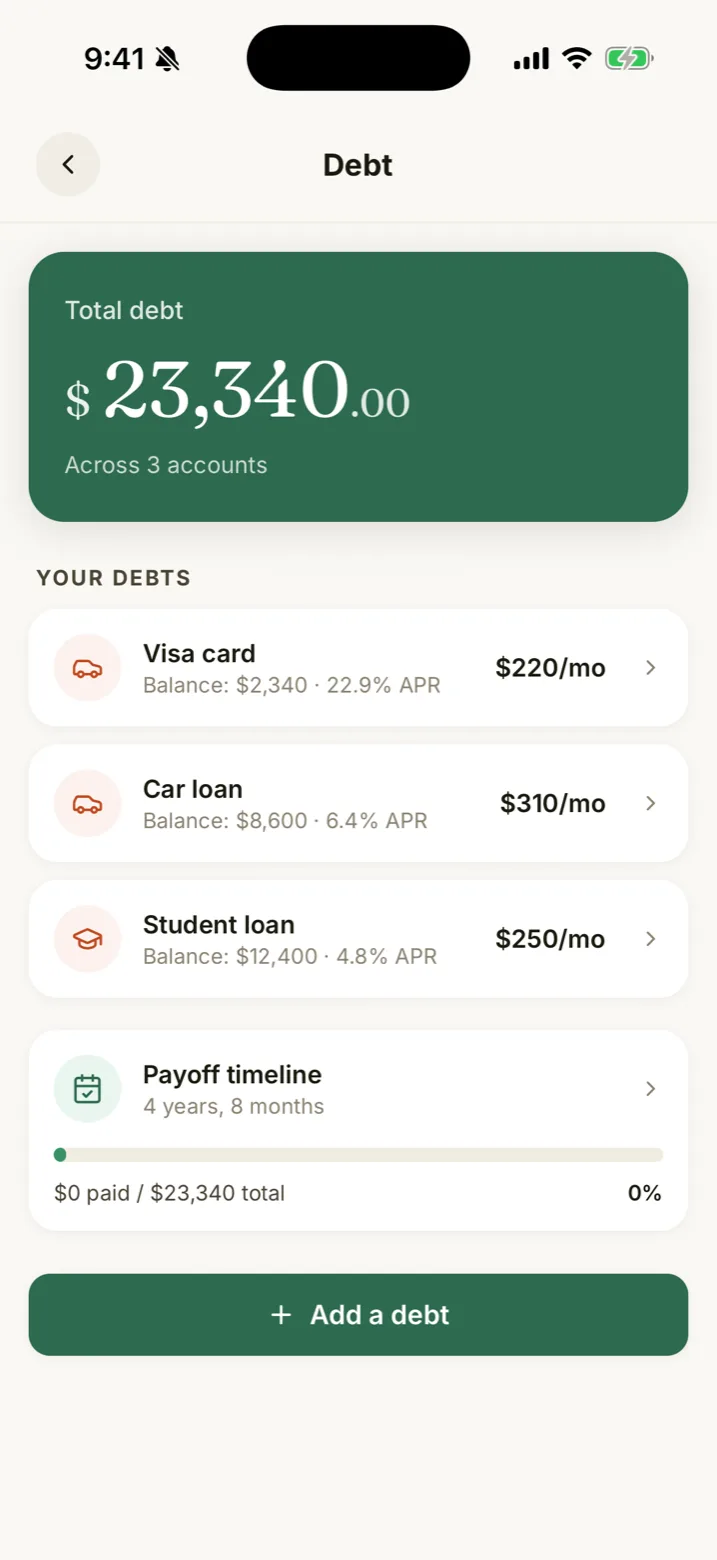
- Debt tracker


 RiceBowl
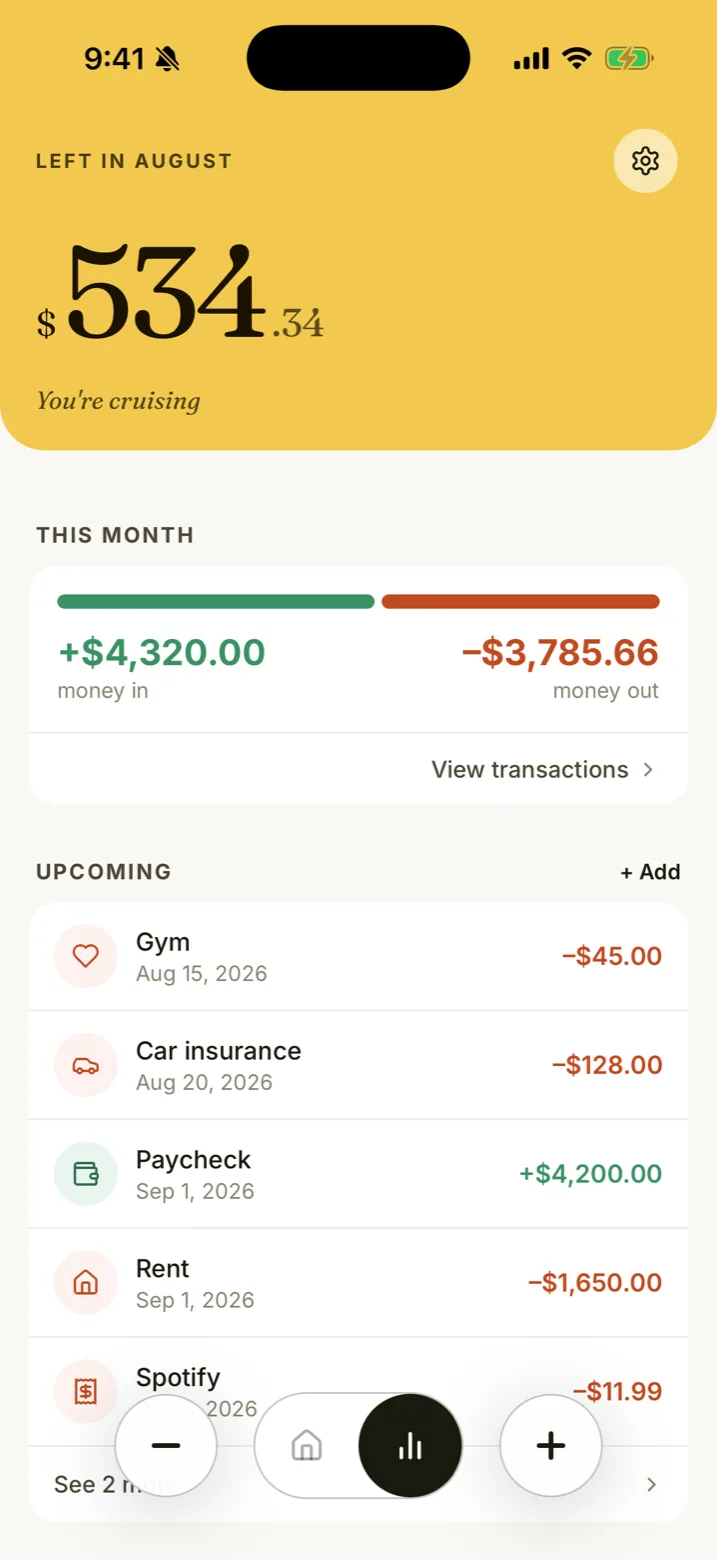
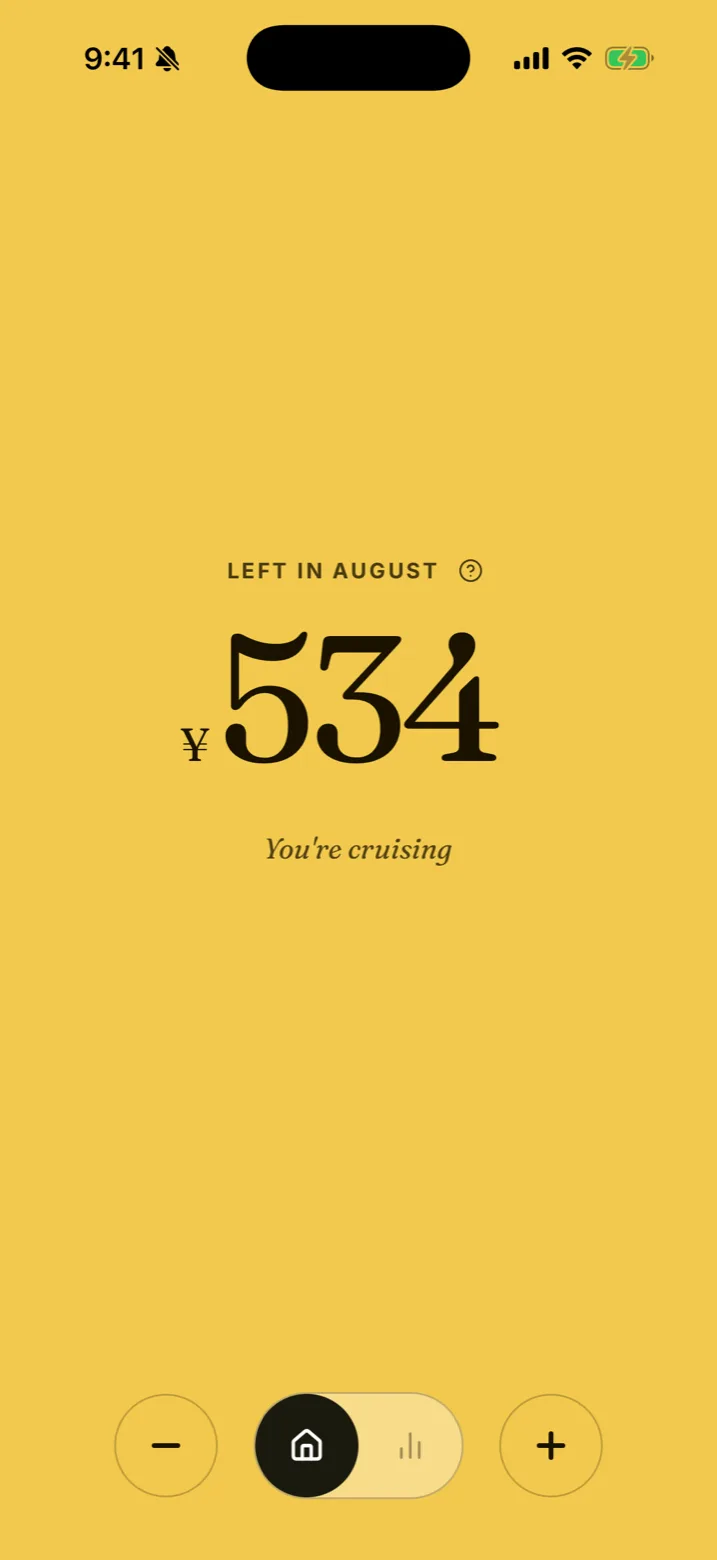
You're cruising.
See moreOne real number. Categories and charts when you want them, no spreadsheets, no anxiety. Just whether you can afford it — right now, today.
The whole app changes color with your balance. Gold means you're in the safe zone. Terracotta means you're running low. Blue means you've gone over — and it's time to climb back.
Most budget apps and expense trackers drown you in features.
We built one that answers a single question.
Simple, on purpose:
Your paycheck, side income, anything you know is landing this month. Quick and only once.
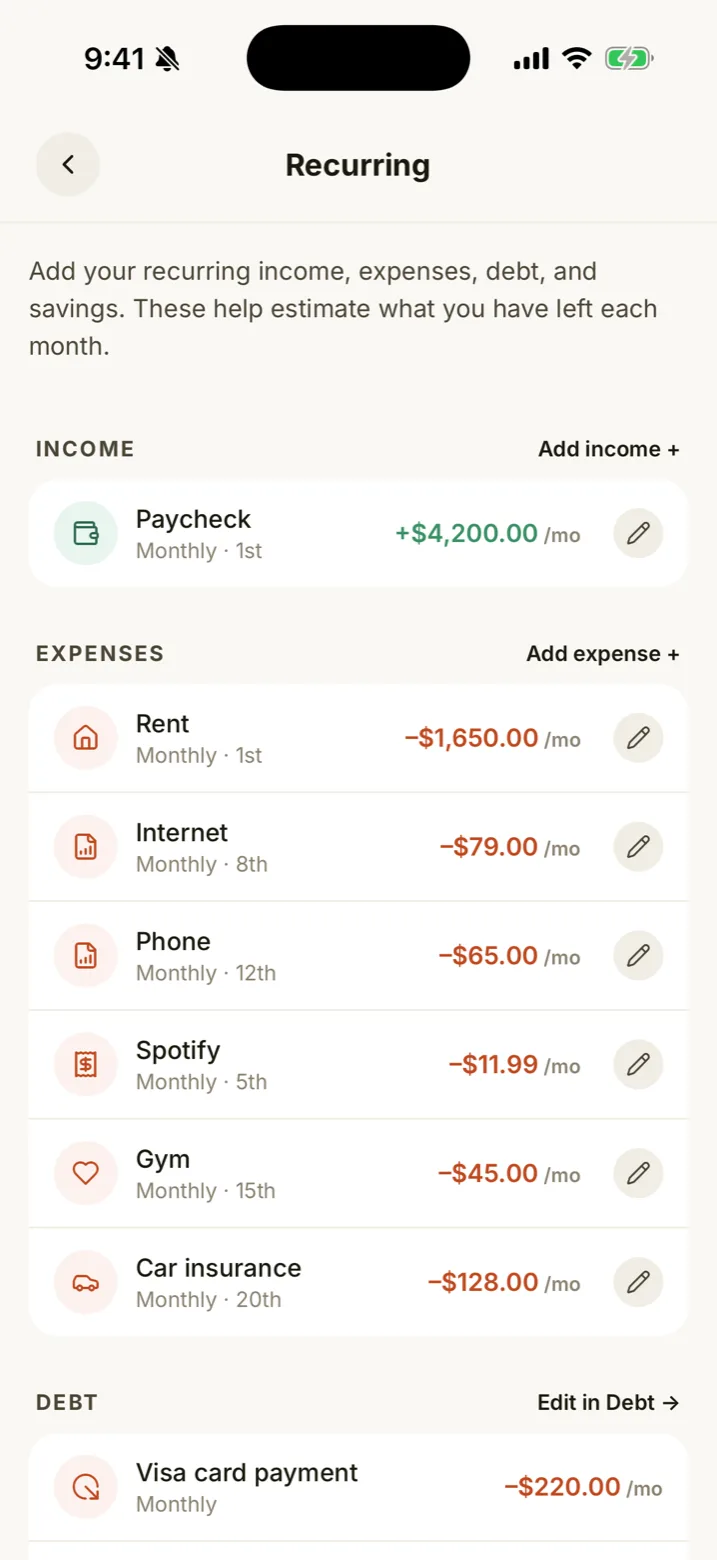
Rent, bills, the recurring stuff. We do the math. You do nothing.
The amount you can spend without breaking anything. Updated as life happens.
The number is the headline. Behind it, everything you'd want from a money app — without the homework.
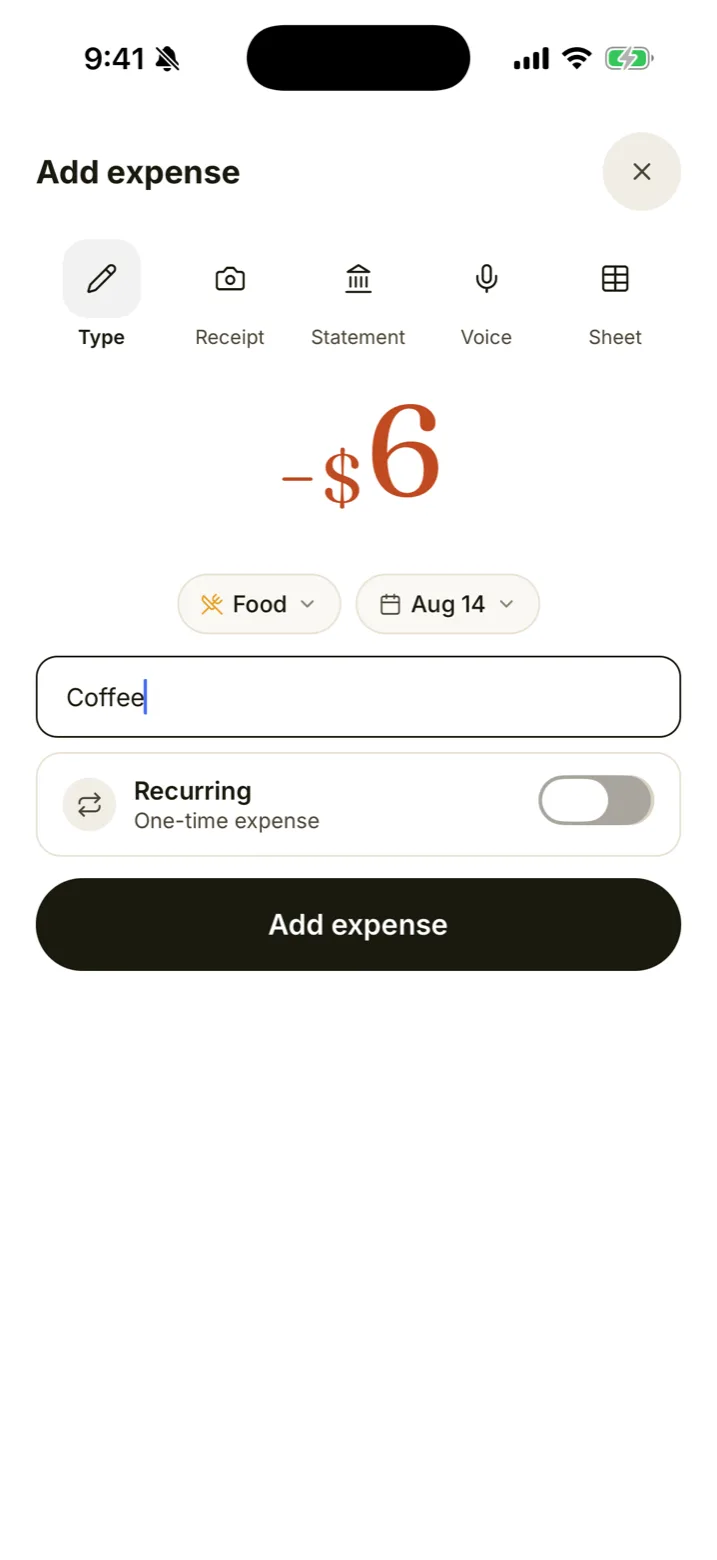
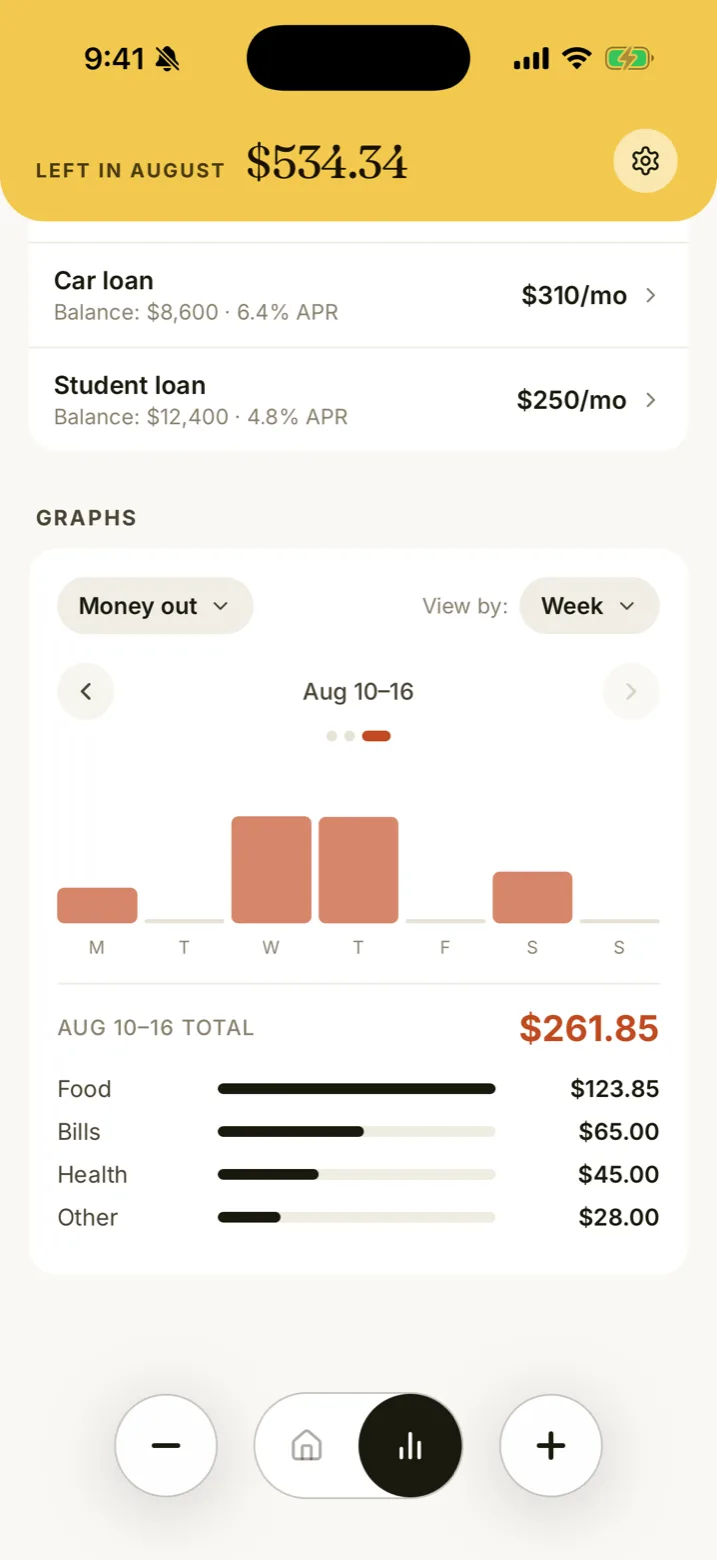
Add one purchase in a tap or import a whole month at once. With Auto, you can also link supported U.S. banks and cards for automatic transaction imports.
Amount, name, done. Logging a coffee takes about ten seconds.
Snap a receipt and we read the total for you. Tap to confirm, done.
Photograph a bank statement and pull in whole rows of spending at once.
Drop in a CSV export from your bank and bring in a month in one go.
Already keep a Google Sheet? Link it and pull your rows straight in.
Say it out loud — "burger and fries, twelve fifty" — and it's logged before you've pocketed your phone.
Quick add and voice are free, always. Scanning and imports come with Plus.
Not a big tech company. Not a 50-person product team. Just us, our kids, and a chalkboard on the kitchen wall.
For years we struggled to stay on top of money. Not because we didn't care — because every app turned a simple question into a part-time job.
So one weekend we wrote our own system in chalk on the wall: what's coming in, what's going out, what's left for the month. For the first time, we felt in control.
RiceBowl is that chalkboard, in your pocket. Nothing more, nothing less.
— Sharlie & the RiceBowl family 🌺
P.S. We also made Centered Space — a calm place for busy minds.

On iPhone and Android. Free to start.
Start with 14 days of Plus. No card required. After your trial, stay on Free or choose Plus or Auto.
Free and Plus are available worldwide wherever RiceBowl is offered. Auto is available in the United States. Canadian availability is pending.
Free forever
Know what's left, every day. No strings attached.
What's included:
(billed yearly)
Add the gentle nudges that make it stick.
What's included:
(billed yearly)
Sync transactions from supported U.S. banks and credit cards through Plaid on iPhone and Android.
What's included:
Prices shown in USD. You'll see your local price on the App Store or Google Play.
Yes. The Free plan gives you your number, manual tracking, category breakdowns, and charts — for as long as you want it, with no card required. Every new account starts with 14 days of Plus so you can try the extras; then you can choose Free, Plus, or Auto. Your data is never held hostage either way.
Most budgeting apps and expense trackers hand you 40 categories and a spreadsheet in disguise. RiceBowl gives you a single number — what you can safely spend today — and gets out of your way.
Your financial data stays private. Auto connects through Plaid or your bank’s sign-in page. RiceBowl uses read-only access to import transactions.
With Auto, you can connect eligible U.S. financial institutions through Plaid on iPhone and Android. Canadian bank sync is pending. RiceBowl imports transactions using read-only access. You choose which accounts to connect and can disconnect them in Settings.
Yes, on Plus and Auto. You invite them by email and they get their own login — their own password and two-factor, not yours. You both see the same number, and either of you can add a transaction and it shows up for the other. Plus covers up to five people in total. If they already have their own RiceBowl, nothing merges: they simply switch between the two. On Free you get one login, and you can sign in on as many of your own devices as you like.
Anytime. Upgrade, downgrade, or cancel right from the app — no calls, no forms, no hard feelings.
Right now. RiceBowl is live on the App Store and Google Play — download it and you're running in under two minutes.
Open the app, see your number. Glance, decide, get on with your day.
Every plan starts with 14 days of Plus. No card required.
Loading plans…